
Account
Server Info
Players Online: 0
Accounts: 13
Characters: 14
Version 83
Experience Rate: 3x
Meso Rate: 2x
Drop Rate: 2x
Accounts: 13
Characters: 14
Version 83
Experience Rate: 3x
Meso Rate: 2x
Drop Rate: 2x
Installation Guide | Posted by OldSchool on 09.29
Adding an Antivirus exclusion for Maple Oldschool
These instructions are written for the built-in Windows Defender in Windows 10.
- Download the client zip file from here
- Unzip the file to a location of your choice (desktop, downloads etc...)
- Open up windows button and search for Windows Defender Security Center
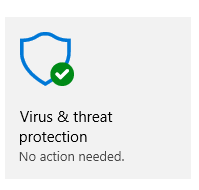
- Then locate "Virus & threat protection"
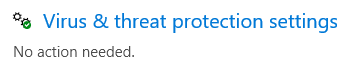
- Choose "Virus & threat protection settings"
- Locate Exclusions
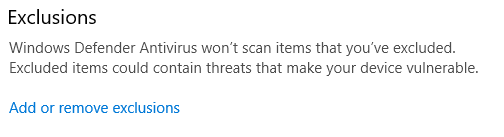
- Add a new Exclusion
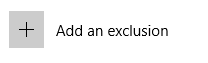
- Choose the Folder option
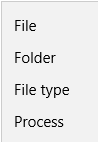
- Choose the Folder where Maple Oldschool is installed.
- Run Maple Oldschool.exe
2017 Views and 0 Responses
Please log in to comment.